
Introduction
What is Kutup?
Section titled “What is Kutup?”Kutup is a privacy-first file storage, collaboration, and messaging platform you run on your own hardware. File content and metadata, document edits, Chat messages, attachment metadata, and protected Chat history are encrypted on the client before they leave it. The server retains the routing, account, timing, size, quota, and other operational metadata needed to provide the service, but not the protected plaintext or its keys. A random account master key is wrapped for password login and for the separate 24-word recovery path; unwrapped keys live only on the client.
What makes it different from “encrypted Dropbox” clones is the second word in that sentence: collaboration. Notes, code, spreadsheets, slides, and whiteboards all sync in real time between peers without giving up the E2EE invariant. The relay sees a stream of opaque AEAD-encrypted, Ed25519-signed frames — it can route them, persist them, and deliver them to other tabs, but it can’t read a single byte of content.
Self-hosted by design. One authenticated federation stack carries encrypted Drive shares and Chat between Kutup servers without giving either backend the protected plaintext.
Release status: Kutup is pre-production and has not published its first stable
v*ordesktop-v*release. The implementation and test gates are production-oriented, but operators should review the remaining release blockers indocs/roadmap.mdbefore serving real users.
Highlights
Section titled “Highlights”One responsive workspace, designed for light and dark
Section titled “One responsive workspace, designed for light and dark”The web client presents Files and Messages as peer workspaces in one responsive navigation model rather than separate desktop and mobile products. Shared with me and Trash remain Files views; Settings stays in the workspace shell; and the role-gated Admin area uses a dedicated shell so administrative navigation never stacks beside the Files/Messages sidebar. Light, Dark, and System are explicit preferences applied from authentication through editors and public shares.
Files & folders that the server can’t read
Section titled “Files & folders that the server can’t read”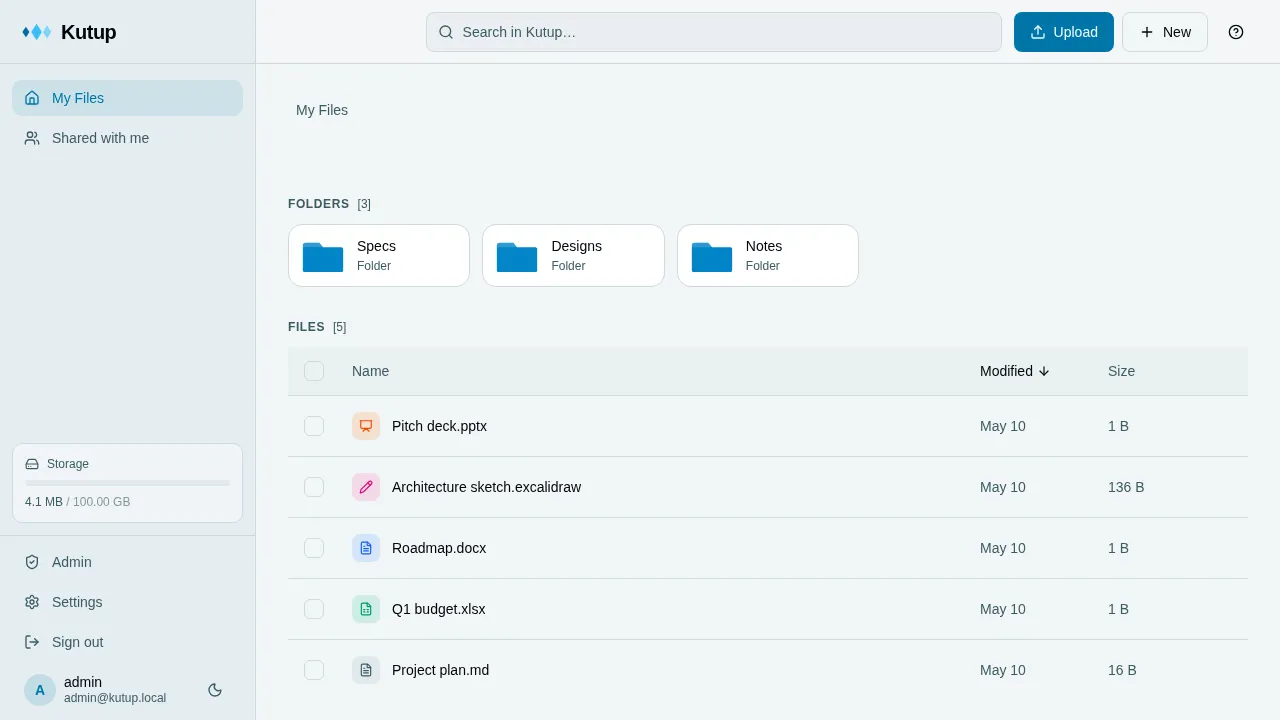
Nested collections, drag-and-drop upload, public share links, per-user folder shares with read/upload/delete permissions, and a hard-baked encryption boundary. Filenames, MIME types, and folder structure are encrypted client-side. Stream upload via crypto_secretstream_xchacha20poly1305 keeps large files out of memory. Deletes are recoverable: items land in a trash with restore + permanent delete and a configurable retention sweep (30 days by default). Storage backs onto SeaweedFS (S3-compatible).
Live notes & code
Section titled “Live notes & code”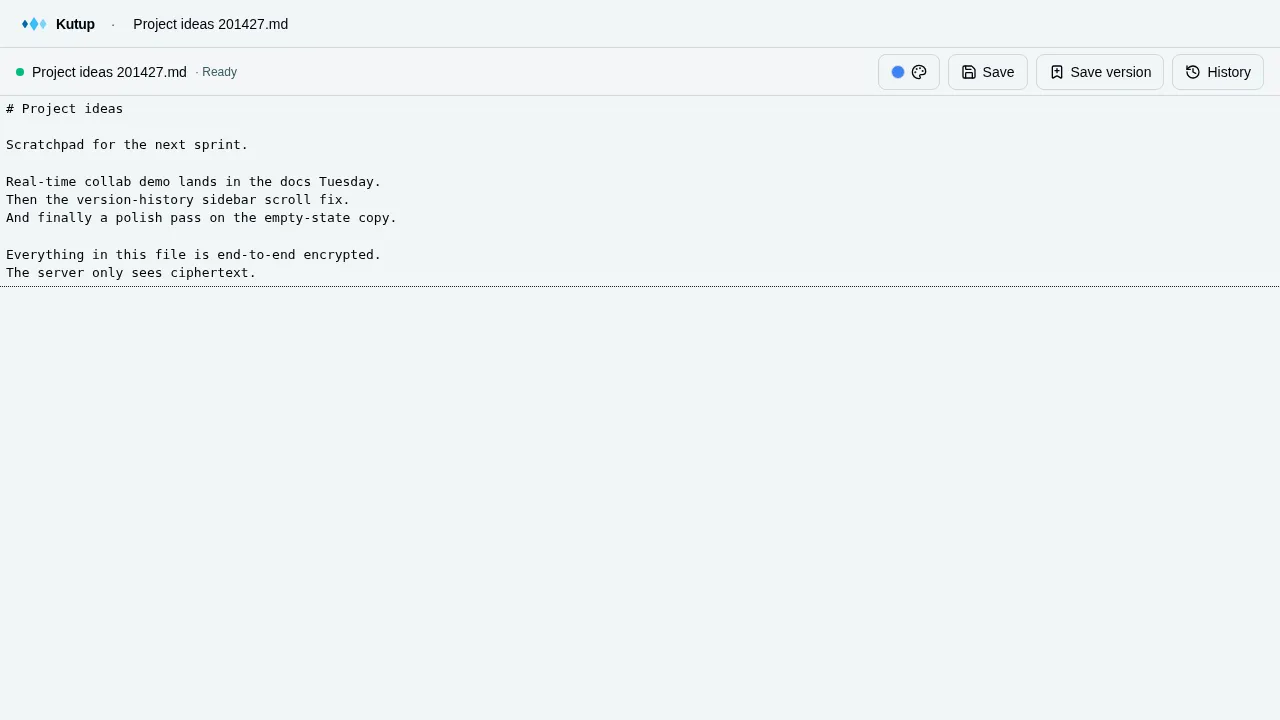
CodeMirror 6 + Yjs CRDT for .md, .txt, and 20+ code formats (Go, TS, Rust, Python, C/C++, Java, Shell, …). Multi-user cursors, selection presence, awareness color picked by the user. Every edit is a Yjs binary update wrapped in an AEAD envelope — the server gets opaque ciphertext.
Office docs — fully client-side
Section titled “Office docs — fully client-side”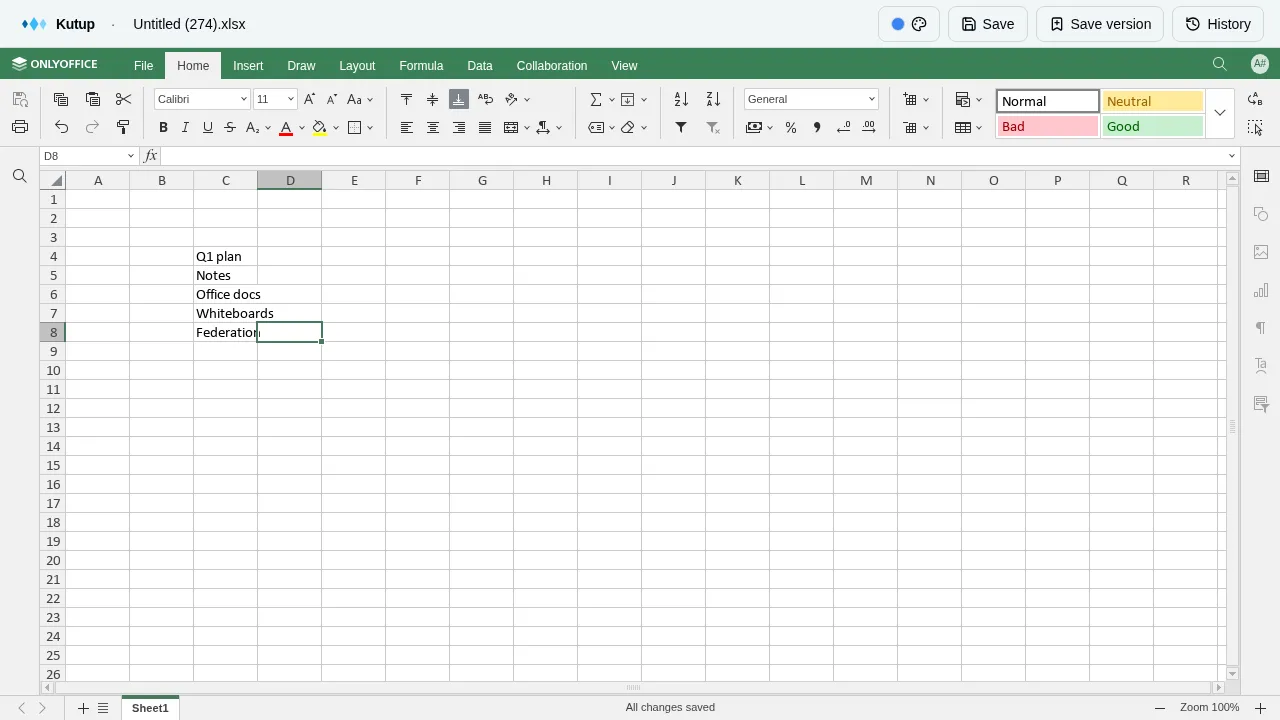
.docx, .xlsx, .pptx via OnlyOffice, running entirely in the browser using the CryptPad pattern. Document state is never decrypted server-side. Live cell-selection presence (peer ranges shown as translucent colored rectangles), per-user color, multi-tab differentiation, full conditional formatting, formulas, and charts.
Whiteboards (Excalidraw)
Section titled “Whiteboards (Excalidraw)”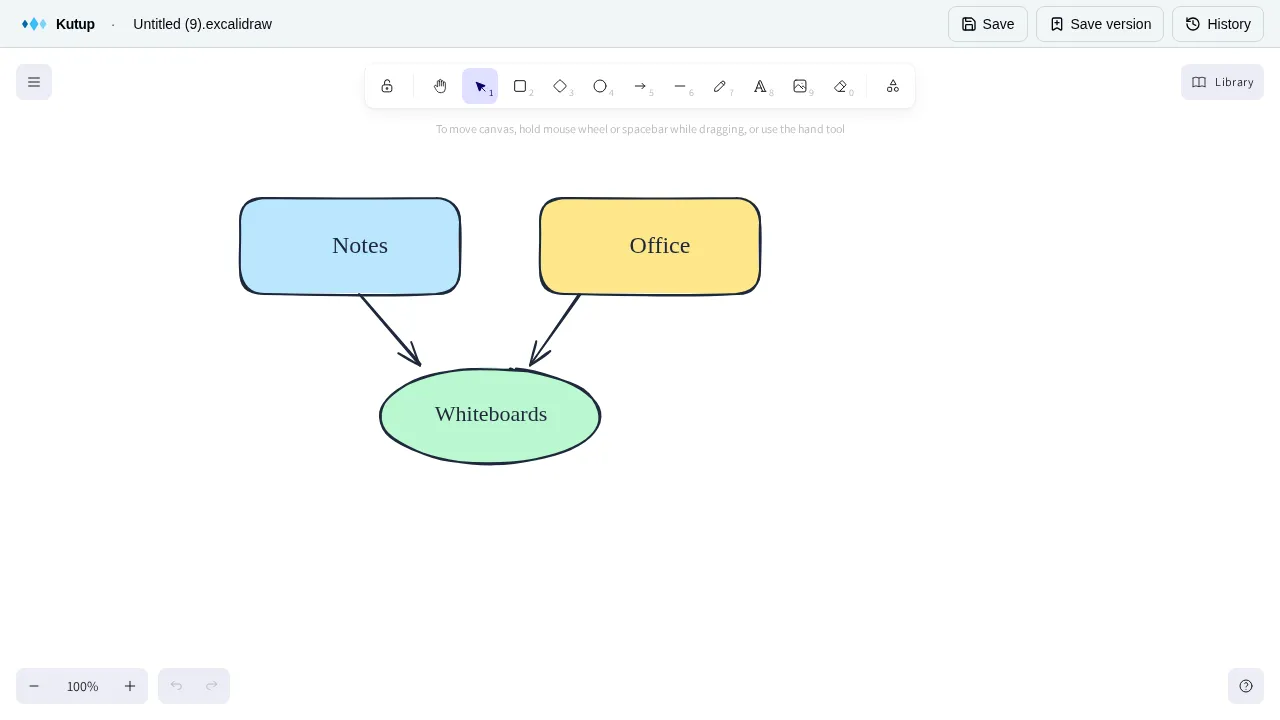
.excalidraw files open in Excalidraw with cross-tab sync. Last-write-wins per element via versionNonce + reconcileElements. Same E2EE envelope as everything else.
Version history on every file
Section titled “Version history on every file”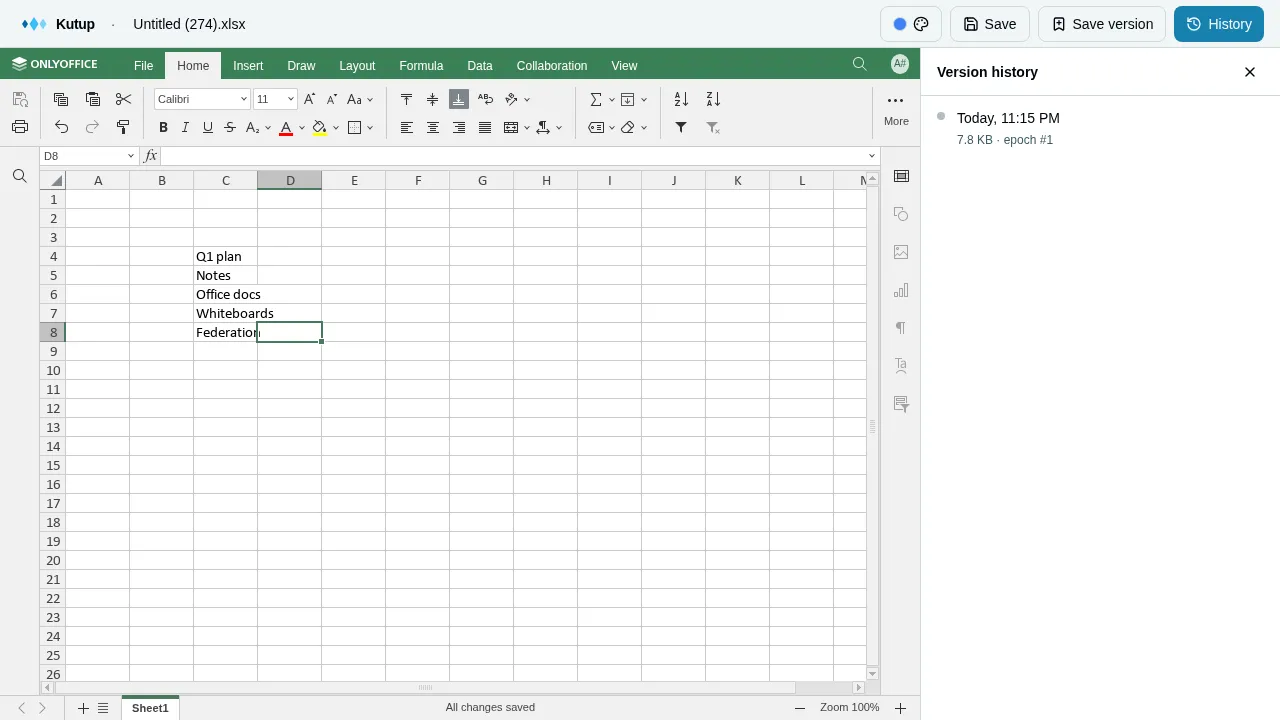
Every Save creates a versioned snapshot. Open the History sidebar in any editor, scroll back, restore. Named “Save version” entries are kept forever; anonymous saves age out (30 days OR 50 versions, whichever yields more). The endpoint is file-type-agnostic — notes, office, whiteboards all use the same plumbing.
You own your keys
Section titled “You own your keys”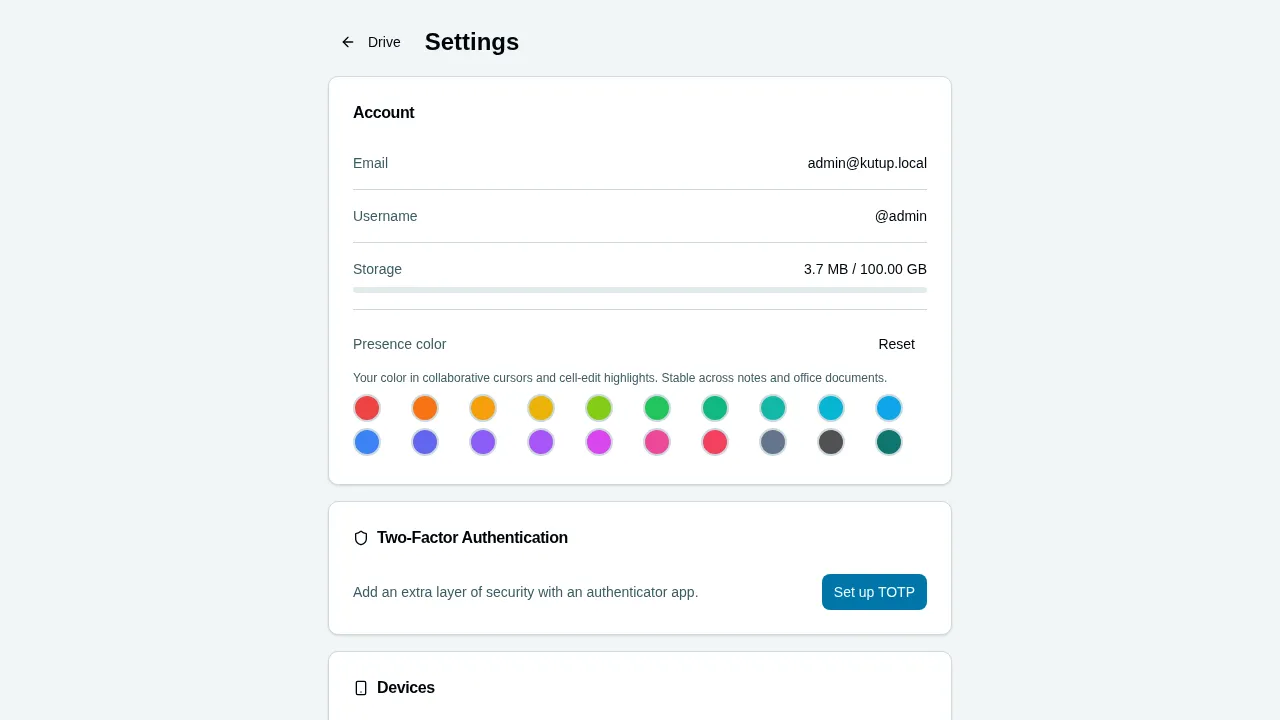
Multi-device with per-device Ed25519 keypairs (revocable individually). Each Chat installation has an editable account-private name for recognition and a small immutable numeric device ID used only for protocol routing; renaming an installation does not rotate keys, replace sessions, or move history. A 24-word BIP39 recovery phrase doubles as the second factor for account recovery. Optional TOTP 2FA. A picked presence color follows you across notes and office editors, on every tab.
Federated E2EE Chat with continuous recovery
Section titled “Federated E2EE Chat with continuous recovery”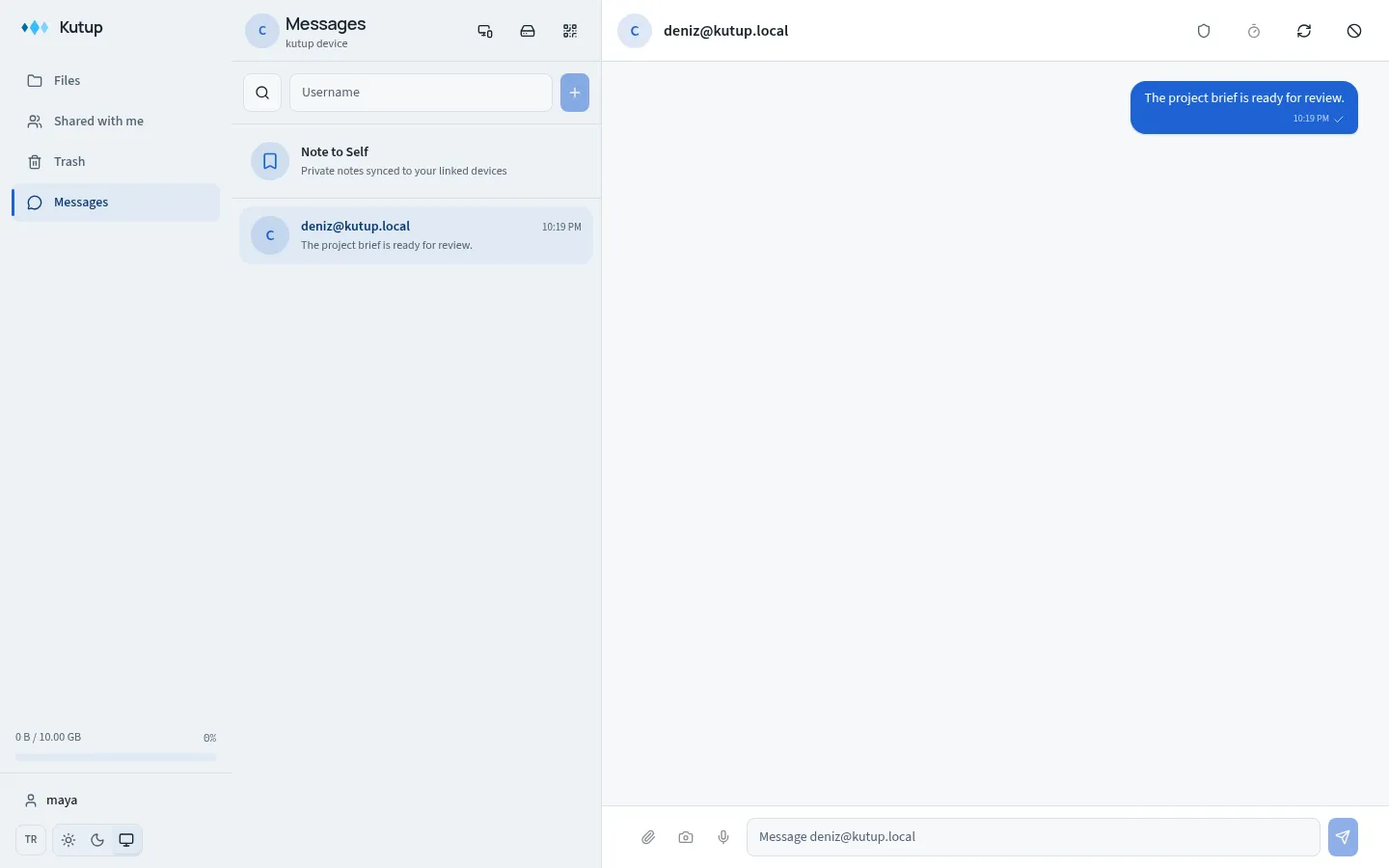
Chat is part of the responsive web app and is available at /chat after
sign-in:
- Direct conversations and Note to Self use pinned libsignal PQXDH, Triple Ratchet, and SPQR state; private groups use RFC 9420 OpenMLS.
username@serveraddressing, message requests, blocking, account/device manifests, safety QR comparison, and contacts-only sealed delivery work across Kutup homeservers.- Replies, reactions, author-authenticated edits and deletions, delivery/read state, typing, disappearing messages, expiry tombstones, and private local search are supported.
- Photos, files, camera capture, bounded voice notes, encrypted previews, manual lazy download, and in-app viewing use a dedicated Chat storage quota rather than the Drive quota.
Every durable display-history mutation enters an IndexedDB-backed encrypted backup outbox. After account recovery, a genuinely empty browser automatically verifies and restores the latest server-acknowledged base plus event tail, then creates fresh Direct/MLS protocol state for new messages. Eligible protected media restores lazily. This account-local backup is always on, has a dedicated administrator-controlled quota (2 GiB by default), and does not restore device keys, ratchets, MLS epochs, mailbox cursors, receipts, or pending sends. Device-to-device history transfer is not supported.
Tech Stack
Section titled “Tech Stack”| Layer | Technology |
|---|---|
| Backend | Rust, Axum 0.7 (HTTP + WebSocket), sqlx (Postgres), aws-sdk-s3, PostgreSQL 16 |
| CLI / crypto | Rust — dryoc + RustCrypto (Argon2id, XChaCha20-Poly1305 AEAD/secretstream, X25519 HPKE, Ed25519); clap CLI |
| Frontend | React 18, TypeScript 5.4, Vite 8, Redux Toolkit 2, TailwindCSS + Radix UI |
| Frontend crypto | Canonical Rust via kutup-crypto-wasm; a narrow libsodium-wrappers-sumo adapter streams large secretstream blobs and supplies browser CSPRNG bytes |
| Realtime collab | Yjs 13 + y-codemirror.next (notes); OnlyOffice + x2t WASM (office); @excalidraw/excalidraw (whiteboards); a server relay with per-frame AEAD envelopes |
| Chat | libsignal Direct/Note to Self, OpenMLS private groups, IndexedDB state, continuous E2EE history/media backup |
| Storage | SeaweedFS (S3-compatible) |
| Infrastructure | Docker Compose, Nginx (TLS termination + static asset serving) |
| Testing | Playwright (e2e), cargo test (Rust unit + crypto vectors), Vitest (frontend unit), actionlint and repository documentation checks |
License & brand
Section titled “License & brand”AGPL-3.0-only — Copyright (c) 2026 Alperen Albayrak. See LICENSE.
The OnlyOffice subtree under frontend/public/onlyoffice/ and the kutup ↔ OnlyOffice bridge in frontend/src/components/editors/office/ are licensed AGPL-3.0-or-later (so they can link the OnlyOffice client). Full license boundary: frontend/public/onlyoffice/LICENSE.md.
The kutup name, the three-diamond logo, and other brand assets are not granted by the AGPL — see TRADEMARK.md for what’s OK without asking (articles, integration references, screenshots) and what needs permission (selling merch, distributing forks under our name).